
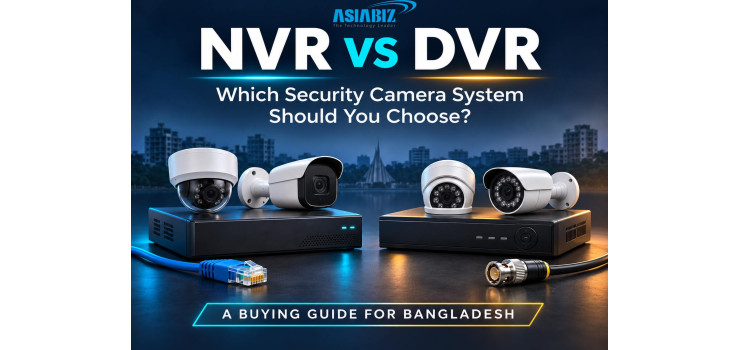
NVR vs DVR: Which Security Camera System Should You Choose in Bangladesh?
Choosing a security camera system can feel
confusing when every quotation includes different cameras, recorders, cables,
and storage options. For homeowners and businesses in Bangladesh, one question
usually comes first: should you buy an NVR or a DVR?
Both systems record CCTV footage, but they connect
to cameras differently. That difference affects installation, compatibility,
expansion, and the equipment you need.
The right choice depends on your property and
existing infrastructure. A new office and a shop with working analogue cameras
may need different solutions. This guide compares NVR vs DVR and helps you
decide where your budget will deliver the most practical value.
What Is an NVR?
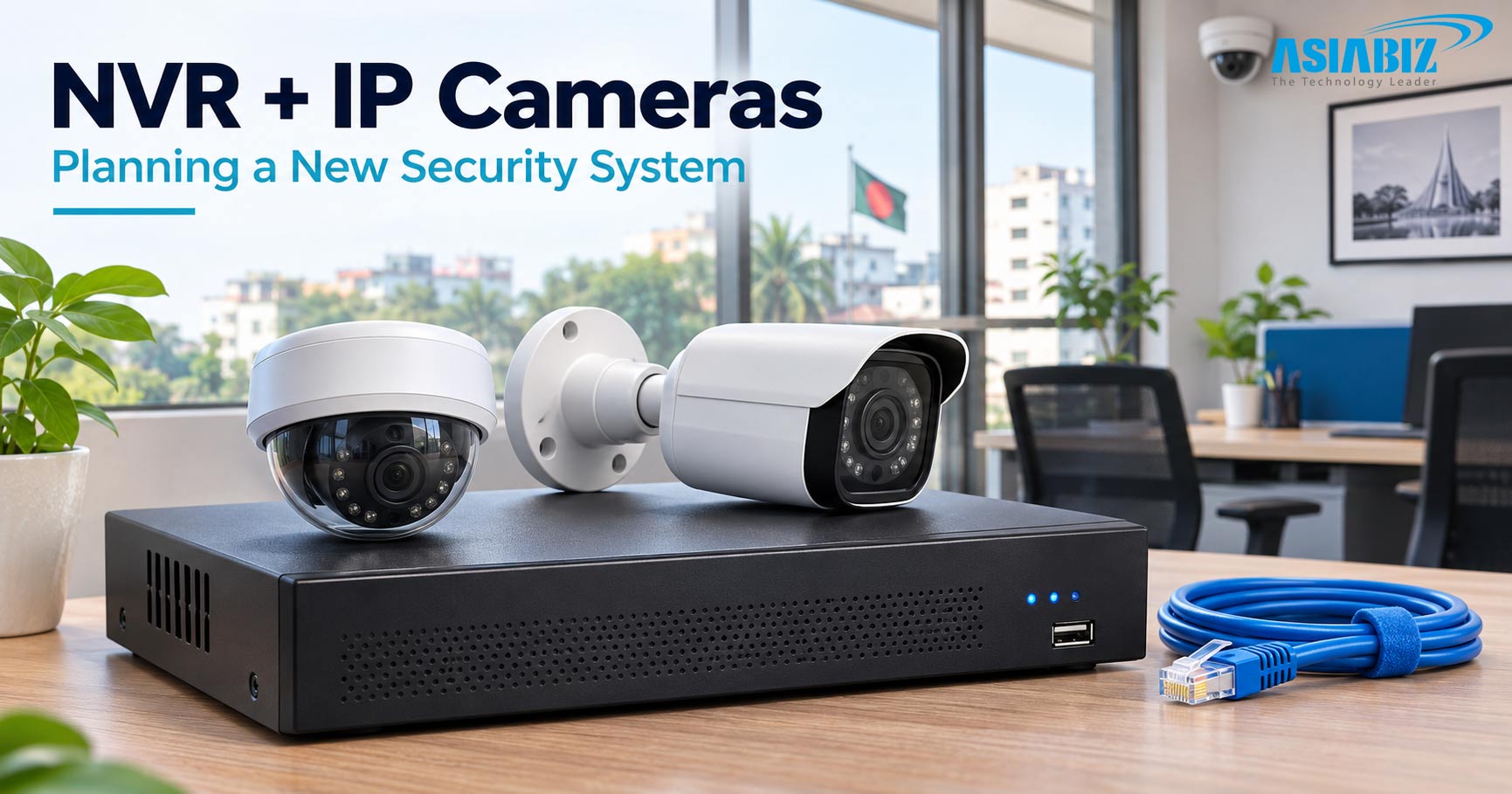
NVR stands for Network Video Recorder. It receives
digital video streams from compatible IP cameras over a network and stores them
for playback.
The cameras typically encode the video before
sending it to the recorder. Connections can run through Ethernet cables,
network switches, or supported wireless arrangements.
Some NVRs include Power over Ethernet ports. These
PoE ports can supply power and carry data through one cable to compatible
cameras. Other NVRs require separate switches or power equipment.
An NVR is worth considering when you are building
an IP camera system and want room to expand.
What Is a DVR?
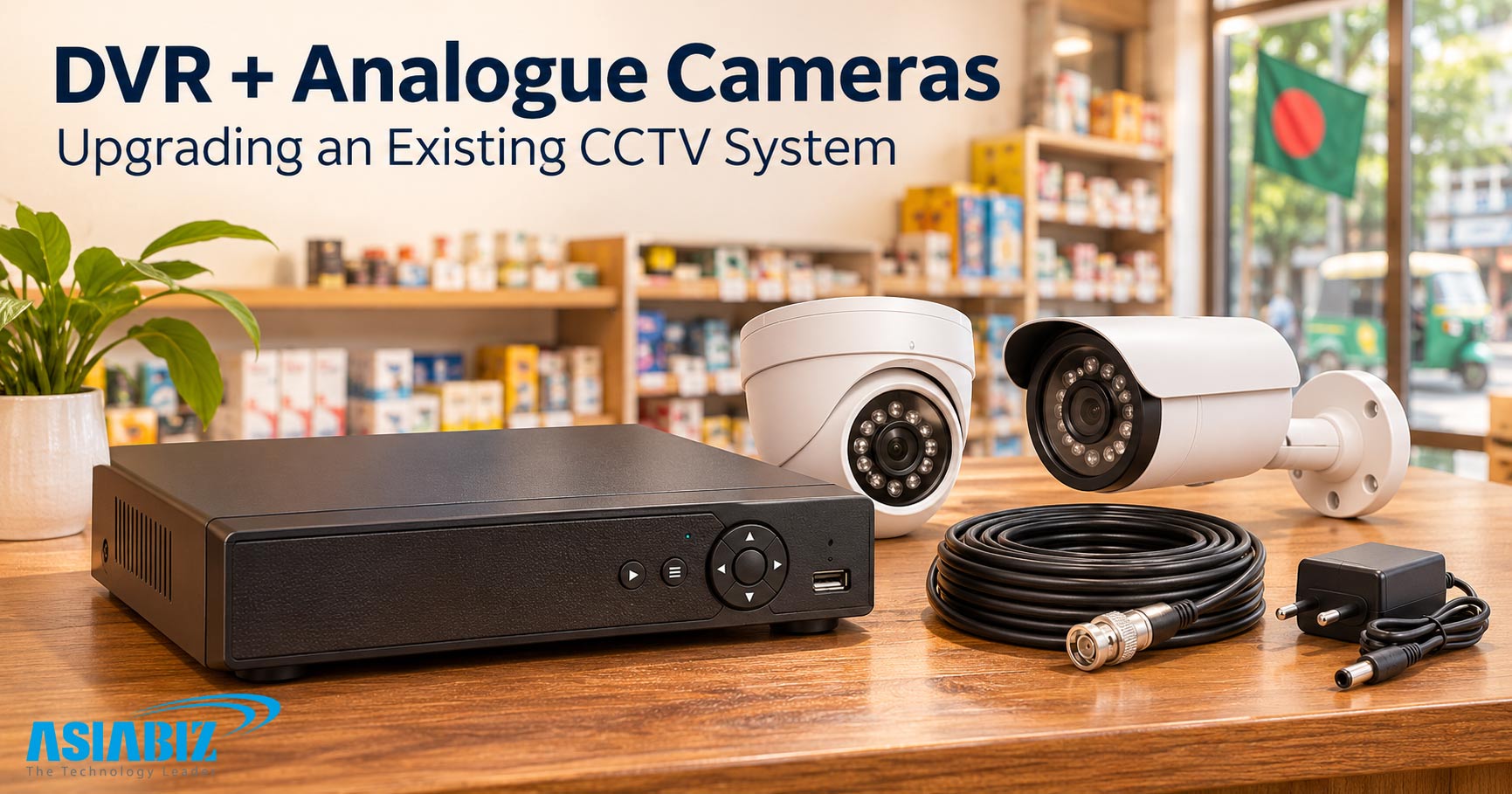
DVR stands for Digital Video Recorder. In a
traditional CCTV installation, it receives video signals from analogue cameras,
usually through coaxial cables, and processes them for storage.
Many modern DVRs support high-definition analogue
formats. Some hybrid models also accept a limited number of IP cameras, subject
to their specifications.
A DVR can be useful when a property already has
compatible cameras and serviceable coaxial wiring. Reusing that infrastructure
may reduce replacement work.
However, check camera format, resolution, and
frame-rate compatibility before ordering. An existing cable connection alone
does not prove that a new recorder will support your cameras.
NVR vs DVR: The Main Differences
|
Feature |
NVR
system |
Traditional
DVR system |
|
Camera connection |
IP cameras over a network |
Analogue cameras over coaxial cable |
|
Video encoding |
Usually performed inside the camera |
Usually performed inside the recorder |
|
Camera power |
PoE or separate supply |
Usually a separate power arrangement |
|
Expansion |
Requires channels and network capacity |
Requires supported inputs and cabling |
|
Existing infrastructure |
Suits compatible IP networks |
Can reuse suitable analogue infrastructure |
|
Remote viewing |
Available on supported models |
Available on supported models |
These differences describe typical installations.
Hybrid recorders and specialised equipment can combine technologies, so compare
exact specifications before making a decision.
Which System Offers Better Image Quality?
An NVR does not automatically produce clearer
footage than a DVR. Image quality depends on the camera sensor, lens, lighting,
compression, recording resolution, and installation.
Both IP and modern analogue systems can provide
useful high-definition video. What matters is whether the complete setup
captures the details you need.
For example, watching movement across a courtyard
is different from identifying a face at an entrance. A wide view may cover more
space while showing less facial detail.
Ask to see recorded samples under similar
conditions, including nighttime scenes. Also confirm recording frame rates at
your chosen resolution, rather than judging performance from a live
demonstration alone.
Installation and Cabling: What Should You Consider?
PoE can simplify an IP installation by carrying
power and data through one Ethernet cable. However, confirm the power
requirement of each camera and the total power available from the switch or
recorder.
A DVR installation commonly uses coaxial video
connections with separate power wiring, sometimes combined within one cable
assembly.
If your premises already have working coaxial
cables, inspect their condition before replacing them. If you are starting from
scratch, compare complete installation quotations for both approaches.
For buildings with several floors or separate
sections, ask the installer to explain cable routes, network links, weather
protection, and future access for maintenance.
NVR vs DVR Cost in Bangladesh
Compare the complete installed system, not only the
recorder price. A cheaper recorder can become a more expensive project after
cameras, storage, cabling, and labour are included.
Request an itemised quotation covering the
recorder, cameras, surveillance drives, power supplies, switches, connectors, installation,
and backup power.
A DVR upgrade may cost less when suitable analogue
equipment can be reused. An NVR installation may offer better long-term value
when you need additional IP cameras or flexible network connections.
Prices also depend on brand, warranty, channel
count, storage capacity, and features. Compare current local quotations using
the same camera count and recording requirements, and check whether the hard
drive is included.
Do NVR and DVR Systems Need Internet?
Many NVR and DVR systems can record locally without
internet access. The essential requirements are working power, connected
cameras, and correctly configured recording equipment.
An NVR uses a network, but that network does not
necessarily need a connection to the public internet.
For example, cameras connected directly to a
compatible PoE NVR can continue recording locally during a broadband outage.
Remote viewing from outside the property will generally be unavailable.
Cloud services and some notifications also require
internet access. Confirm offline behaviour for the exact equipment you buy,
especially if your property has unreliable connectivity.
Storage: How Long Can You Keep Recordings?
Neither recorder type has a fixed recording
duration. Retention depends on camera count, average bitrate, recording
schedule, compression, and usable drive capacity.
Suppose four cameras each record continuously at an
average of 4 Mbps. Together, they generate approximately 172.8 GB per day, or
5.18 TB over thirty days, before overhead.
This is a planning example, not a guaranteed
result. Different scenes and settings can change actual usage.
Tell your supplier how many days of footage you need.
Ask for the storage calculation, supported drive capacity, and overwrite
settings. Event recording may save space, but test whether it reliably captures
the activity that matters.
Which System Is Better for Your Property?
Homes and Apartments
For a new installation, a compatible PoE NVR
package is a practical option to evaluate. Plan coverage around entrances,
stairways, and parking areas while respecting neighbours' privacy.
If you already have functional analogue cameras, a
compatible DVR replacement may be sufficient.
Shops and Small Offices
Prioritise entrances, transaction areas, and stock
access points. Useful recording angles and straightforward playback can matter
more than advanced features.
Choose between NVR and DVR after comparing existing
wiring, image requirements, and the complete installation cost.
Warehouses and Larger Premises
Consider an IP system when cameras are spread
across several sections and expansion is likely. Have an installer assess
bandwidth, switches, cable distances, storage, and backup power before
selecting the recorder.
Power Backup, Maintenance, and Security
A recorder cannot protect footage if the equipment
needed to capture it loses power. Include cameras, switches, and power supplies
when planning backup capacity.
For remote access during an outage, your router and
internet connection also need to remain operational. Ask for an estimated
backup runtime based on the actual connected load.
Keep the recorder in a secure, ventilated location.
Check drive status, timestamps, camera connections, and playback regularly.
Use strong passwords, supported firmware updates,
and restricted user accounts. Follow the manufacturer's secure remote-access guidance.
Both NVR and network-enabled DVR systems need protection against unauthorised
access.
Buying Checklist Before You Place an Order
Start by listing the areas you need to monitor and
the details you expect to identify. Then confirm the following with your
supplier:
Enough recording channels for current cameras and
planned expansion.
Camera compatibility, including resolution, audio,
and event features.
Recording performance at the intended resolution
and frame rate.
Suitable drive capacity for your required retention
period.
Included accessories, installation work, warranty,
and support arrangements.
Ask for a playback and export demonstration before
accepting the installation. Being able to find and save an important clip
matters as much as seeing a clear live picture.
Also consider the person who will use the system
every day. A shop owner may need quick playback on a phone, while an office
manager may need separate accounts for staff. Test these tasks before purchase.
Ask who will configure the equipment, explain the controls, and handle faults
after installation. Keep a written record of model numbers, warranty terms, and
administrator access. Clear
handover arrangements make future maintenance
easier and help you avoid depending entirely on one installer for routine
changes or troubleshooting.
Frequently Asked Questions
Q: Can I Connect an IP Camera to a DVR?
A: Some
hybrid DVRs support IP cameras, but the supported number, resolution, and
features vary. Check the exact model specifications before buying or connecting
additional cameras.
Q: Can an NVR Record Analogue Cameras Directly?
A: A
standard NVR normally receives network video streams rather than direct
analogue signals. Using analogue cameras may require a compatible encoder or a
different recorder, adding cost and complexity.
Q: Can Both Systems Show Video on My Phone?
A: Yes,
supported NVRs and DVRs can offer mobile viewing. Access depends on the model,
application, network configuration, and internet availability when you are away
from the property.
Q: Which System Should I Choose for an Upgrade?
A: Keep
a compatible DVR if your existing analogue installation still meets your needs.
Consider moving to an NVR when replacing cameras, redesigning coverage, or
expanding an IP-based installation.
Final Verdict: Choose Around Your Actual Needs
For a new IP camera installation, an NVR is usually
the appropriate recorder to evaluate. For an existing analogue setup, a
compatible DVR can be a sensible way to preserve useful equipment.
Before buying in Bangladesh, compare complete quotations and confirm camera compatibility, recording performance, storage, installation quality, and support. Request a system recommendation based on your property layout and recording needs. The best choice is the one that delivers usable footage when you need it.


Comments
There are no comments for this Article.