
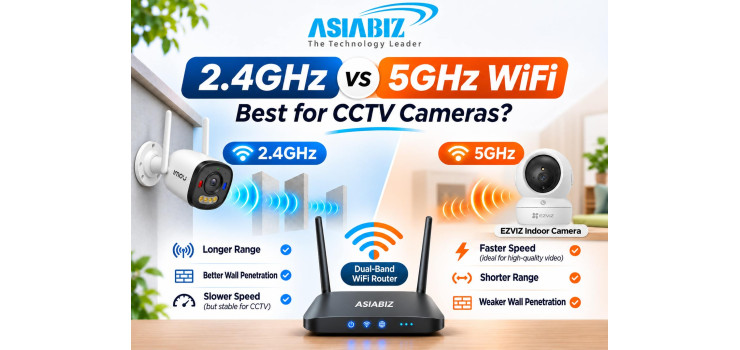
2.4GHz vs 5GHz WiFi: Which Is Better for CCTV Cameras?
A WiFi security camera may work perfectly beside your router but keep
disconnecting at the gate or on the rooftop. Sometimes the issue is not the
camera or internet package—it is the WiFi frequency, signal strength, or router
configuration.
When comparing 2.4GHz vs 5GHz WiFi for CCTV cameras, homeowners in
Bangladesh need to understand range, speed, wall penetration, compatibility,
and recording stability. This guide helps you choose the right band for CCTV.
Quick Answer: Is 2.4GHz or 5GHz Better for CCTV?
2.4GHz is usually the practical choice for cameras farther from the
router or behind several walls. 5GHz can work better for compatible cameras
close to a router or access point, especially where 2.4GHz is congested.
However, many WiFi cameras support only 2.4GHz. A 5GHz network cannot
connect to a camera without 5GHz hardware support, regardless of your internet
speed. Check the model first.
What Is 2.4GHz WiFi?
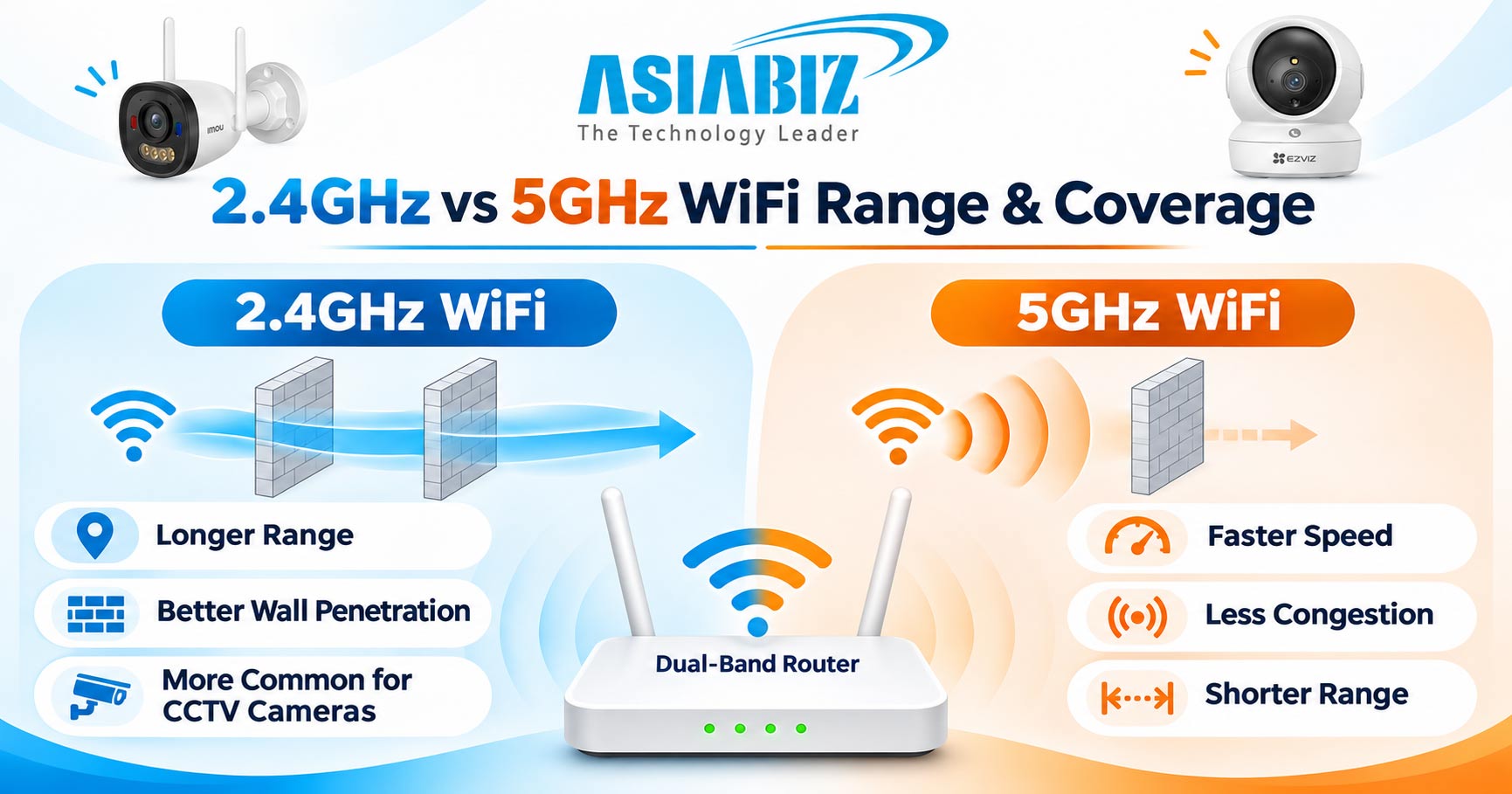
The 2.4GHz band is a widely supported wireless frequency used by
routers, cameras, smart switches, and other connected devices. Its radio waves
generally travel farther and pass through typical household obstacles better
than 5GHz signals.
Advantages for Security Cameras
Better potential coverage across rooms and some walls.
Common support among affordable indoor and outdoor cameras.
Useful for cameras near entrances or away from the router.
Often sufficient bandwidth for a properly configured CCTV stream.
Limitations
2.4GHz is frequently crowded in apartment buildings. Neighbouring WiFi
networks and some household electronics can cause interference, delays, or
dropped frames. A weak signal can still disrupt recording.
What Is 5GHz WiFi?
5GHz is another wireless frequency commonly provided by dual-band
routers. It generally offers higher available throughput and more channel
choices, often avoiding congestion found on 2.4GHz.
Advantages for Security Cameras
Higher potential wireless throughput at suitable distances.
Often less interference from nearby household devices.
Useful when several compatible cameras share a busy network.
Can provide responsive live viewing when signal quality is strong.
Limitations
5GHz weakens more through concrete walls and floors. More importantly,
many CCTV cameras cannot connect to it at all. Always read the camera's
wireless specifications before selecting this band.
2.4GHz vs 5GHz WiFi Camera Comparison
|
Feature |
2.4GHz
WiFi |
5GHz
WiFi |
|
Typical range |
Longer |
Shorter |
|
Concrete-wall performance |
Generally better |
Generally weaker |
|
Potential throughput |
Lower |
Higher |
|
Interference |
Often more crowded |
Often less crowded |
|
Camera support |
Very common |
Selected models |
|
Best placement |
Farther rooms and some outdoor areas |
Close to router/access point |
|
Recording reliability |
Depends on signal and congestion |
Depends on signal and congestion |
|
Internet requirement |
Not inherently required for local functions |
Not inherently required for local functions |
Neither band improves a camera's megapixel resolution, sensor quality,
or night vision. Video clarity comes from camera hardware, compression,
lighting, and recording configuration. WiFi quality mainly affects how
consistently video is transmitted.
Which Frequency Is Better for Different Locations in Bangladesh?
Apartment or Rented Home
For a camera inside a living room close to the router, either supported
band may work well. If the camera is two rooms away behind thick walls, 2.4GHz
could provide a more consistent connection. Test at the actual installation
point.
Shop, Office, or Cash Counter
A compatible 5GHz camera close to an access point may avoid
interference in a busy shop. But a 2.4GHz camera is also suitable if its
connection remains stable. For critical footage, consider wired PoE.
Outdoor Gate, Garage, or Rooftop
Distance and walls often favour 2.4GHz, but do not assume it will reach
a rooftop or gate reliably. Check signal strength with the gate closed. If
necessary, install a suitable nearby access point.
Multi-Storey House
One router on the ground floor may struggle to reach upper floors on
either band. Mesh WiFi or wired access points on multiple levels can work
better than simply increasing router antenna count.
Do All Imou and EZVIZ Cameras Support 5GHz?
No. Support varies by model. These two products illustrate why the specifications matter:
Imou Ranger 2 Pro 5MP: Dual-Band Example
The Imou Ranger 2 Pro 5MP is listed with 2.4GHz and 5GHz dual-band WiFi
6. For indoor installation, owners can choose the band that performs better
where the camera is mounted.
EZVIZ H9c 6MP: 2.4GHz Example
The EZVIZ H9c 6MP Dual-Lens Camera specifies 2.4GHz WiFi. It cannot
join a 5GHz-only SSID. For outdoor placement, focus on a strong 2.4GHz signal
or evaluate its supported wired connection.
These are compatibility examples, not a claim that one brand is
universally better. Check the exact product datasheet.
How to Connect a 2.4GHz CCTV Camera to a Dual-Band Router
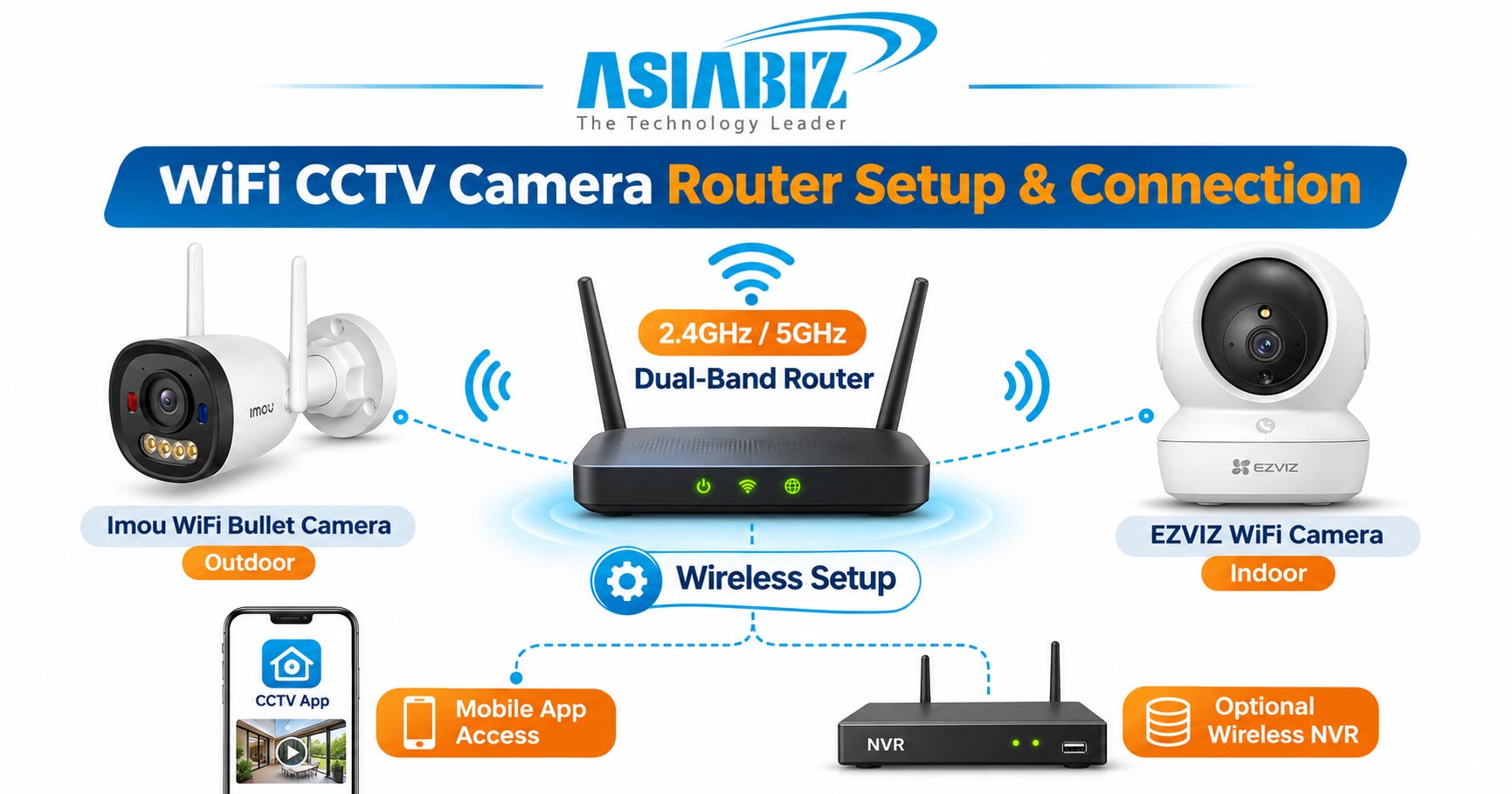
A dual-band router normally broadcasts both 2.4GHz and 5GHz. Some
routers combine them under one WiFi name, called an SSID, using Smart Connect
or band steering. That is convenient for phones, but some camera setup apps
have difficulty during pairing.
Follow these steps when a 2.4GHz-only camera cannot connect:
Check compatibility: Confirm
that the router's 2.4GHz network is enabled and the camera supports its
security settings.
Separate network names if
needed: Temporarily disable Smart Connect and create identifiable names
such as Home_2G and Home_5G, if supported.
Connect your phone to 2.4GHz: Use
that network during camera setup when the manufacturer's app requires it.
Use compatible security: Try
WPA2-Personal/AES where recommended by the camera maker; WPA3-only networks may
not work with older devices.
Complete pairing: Add the
camera through its official app, then confirm live view and recording.
Test the final setup: Re-enable
your preferred router settings cautiously and check that the camera stays
online.
Router menus vary; avoid changing a working configuration.
Why Does a WiFi CCTV Camera Keep Disconnecting?
The frequency band is only one possible cause. Troubleshoot in this order:
Weak Signal or Concrete Walls
Move the router higher or closer. Avoid placing it inside cabinets or
behind large metal objects. For outside areas, use a suitable access point rather
than a weak indoor extender.
Channel Interference
In crowded 2.4GHz environments, test a less congested 20MHz channel;
channels 1, 6, and 11 are commonly useful choices where permitted. Automatic
channel selection is often fine, but inspect it if disconnects persist.
Too Many Active Cameras
Several simultaneous video streams can overwhelm weak WiFi. Reduce
unnecessary live viewing, check bitrates, and ensure the router and Wireless
NVR can handle all active streams.
Power Cuts and Network Equipment
During load shedding, cameras, router, access points, and NVR may each
need backup power. A camera with an SD card may continue local recording during
an internet outage only if its model supports offline recording and power
remains available.
Does 5GHz Give Better CCTV Video Quality?
Not automatically. A 5MP camera remains 5MP whether connected to 2.4GHz
or 5GHz. Better wireless throughput can help prevent interruptions and sustain
the selected video stream, but it does not upgrade the lens or sensor.
A stable 2.4GHz connection beats a weak 5GHz connection. Test live
viewing and recording stability.
Can WiFi Cameras Use a Wireless NVR on Either Band?
Compatible WiFi cameras can send footage to an appropriate wireless NVR
without a camera-to-recorder LAN cable. However, camera and NVR compatibility,
network layout, band support, and recording channels must all match.
Some Imou and EZVIZ products support wireless NVR setups. Do not assume
that every camera, especially battery-operated or 2.4GHz-only models, works
with every NVR. Most plug-in cameras still require electrical power.
For a broader comparison, read our WiFi Camera vs Wired CCTV Cameraguide.
Router Options for WiFi CCTV Cameras at Asiabiz
The Imou HR12F AC1200 Dual-Band Router provides both 2.4GHz and 5GHz
networks. You can also explore the Asiabiz Router Collection for dual-band WiFi
6 and Mesh options.
Choose by camera band compatibility, actual coverage, and power backup.
Frequently Asked Questions
Q: Is 2.4GHz WiFi enough for a 5MP CCTV camera?
A: Often yes, if signal
quality and available throughput support the selected stream. Resolution alone
does not determine WiFi bandwidth requirements.
Q: Can a 2.4GHz camera connect to a 5GHz router?
A: Yes, if that router also
broadcasts a compatible 2.4GHz network. It cannot connect to a 5GHz-only
network.
Q: Does 5GHz WiFi work better through concrete walls?
A: Generally no. 2.4GHz
usually penetrates typical obstacles better, although real performance depends
on layout and interference.
Q: Does WiFi 6 mean a CCTV camera supports 5GHz?
A: No. WiFi 6 technology can
operate on 2.4GHz or 5GHz; the camera must explicitly support the band you
intend to use.
Q: Should I use 5GHz for outdoor security cameras?
A: Use it only if the
specific camera supports 5GHz and the signal remains strong at the mounting
point. Otherwise, 2.4GHz or wired networking may be more practical.
Final Verdict: Which WiFi Band Should You Choose?
Choose 2.4GHz when the camera only supports that band or sits farther
from the router. Consider 5GHz for a compatible camera near an access point
when congestion or throughput makes it advantageous.
For reliable CCTV monitoring in Bangladesh, a strong and stable connection matters more than the higher frequency number. Compare compatible routers and WiFi cameras at Asiabiz Technology before installation.


Comments
There are no comments for this Article.