
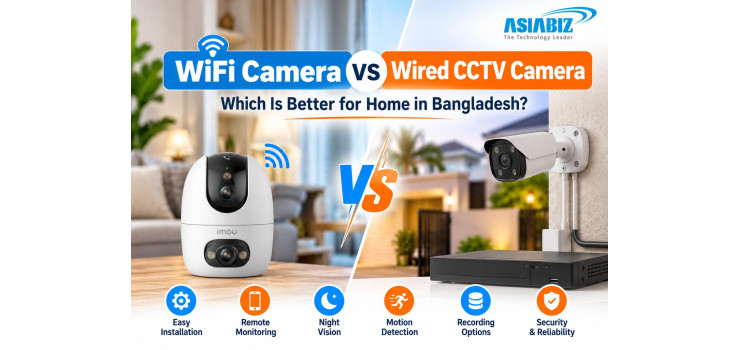
WiFi Camera vs Wired CCTV Camera: Which Is Better for Home in Bangladesh?
Whether you live in a Dhaka apartment or a multi-storey house, security cameras can help monitor entrances and review incidents. But WiFi camera vs wired CCTV camera—which is better for your home?
Both can deliver clear footage. This
Bangladesh-focused guide compares installation, recording, reliability, and
cost—including wireless NVR options.
Quick Answer: WiFi or Wired CCTV?
Choose WiFi for simpler installation; choose wired CCTV for consistent multi-camera connections. Compatible WiFi cameras can also record centrally through a wireless NVR.
An apartment might need one indoor camera; a larger
house may need several. Image quality depends on the camera—not its connection
type.
What Is a WiFi Security Camera?
A WiFi camera transmits video over a wireless
network and typically supports app-based viewing. Depending on the model,
features include motion detection, two-way audio, night vision, pan-and-tilt,
microSD, cloud, or NVR recording.
Important:
WiFi does not necessarily mean wire-free. Most indoor and outdoor WiFi cameras
still need a power adapter. Battery-operated models are different and may record
only when motion is detected.
Advantages:
Less data cabling, flexible placement, and convenient smartphone access.
Limitations:
Distance, walls, and congestion can weaken WiFi; remote viewing commonly needs
internet.
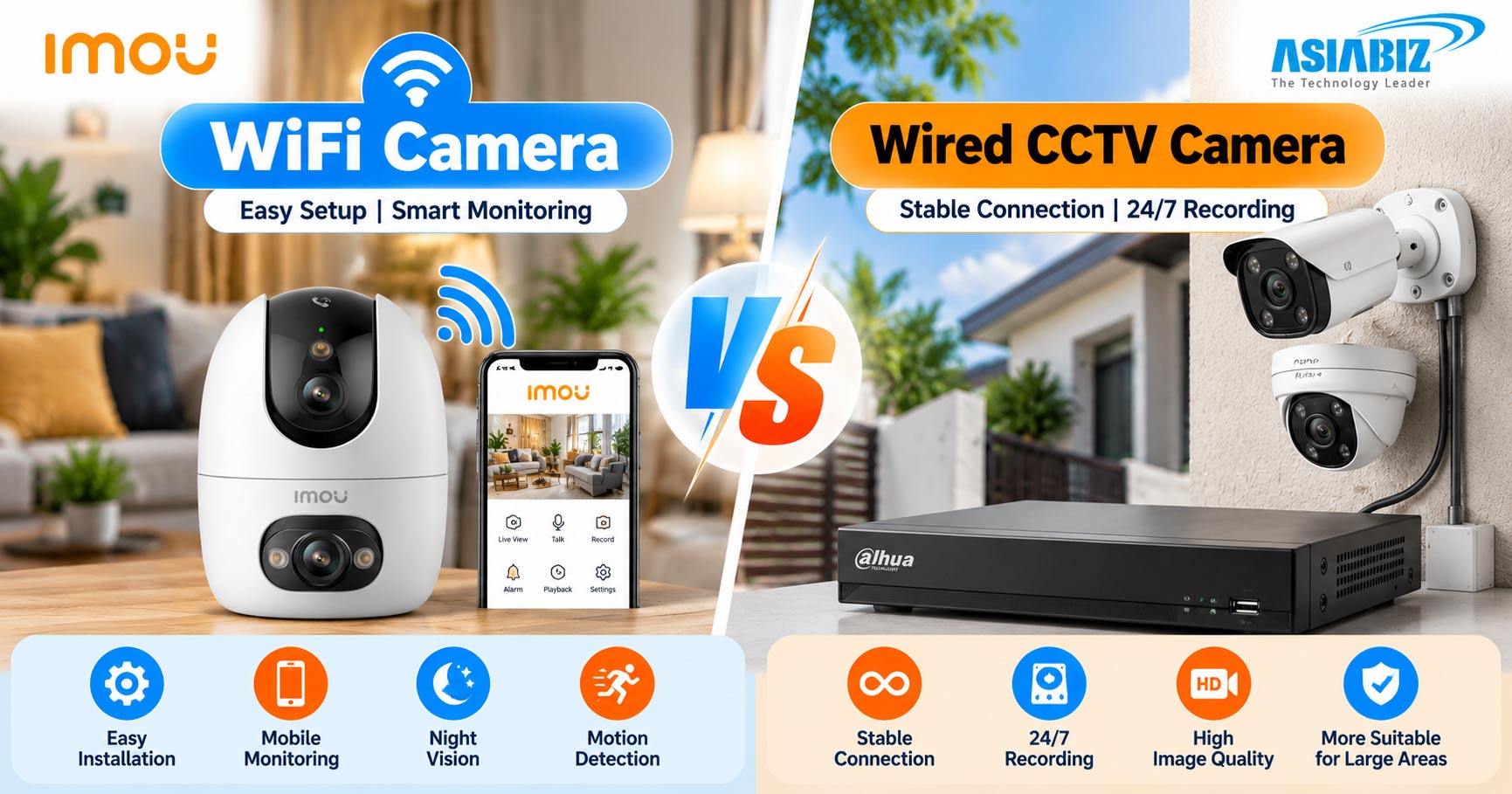
What Is a Wired CCTV Camera System?
A wired system transfers video through physical
cables. Two common types are:
Analog CCTV:
Cameras connect to a DVR/XVR using coaxial cable, with power supplied
separately in many installations.
PoE IP CCTV:
Compatible cameras use Ethernet cable for both data and electrical power
through a PoE switch or NVR.
Wired systems suit permanent surveillance across
multiple locations.
Advantages:
Consistent transmission, centralized storage, and planned multi-camera
expansion.
Limitations:
Cabling and professional installation add costs; moving cameras can require new
cable runs.
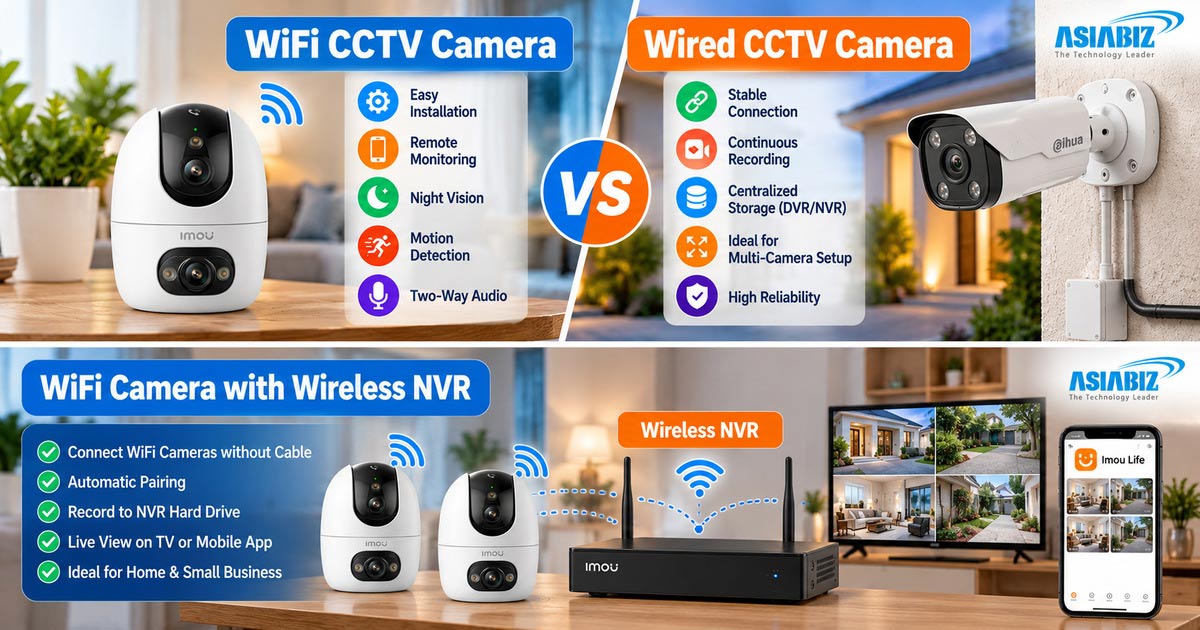
Can WiFi Cameras Connect to a Wireless NVR?
Yes. Compatible WiFi IP cameras can connect to a
wireless Network Video Recorder (NVR) without running a video/data cable from
each camera to the recorder. The NVR can store footage from multiple cameras on
a hard drive, often supporting continuous recording.
For example, EZVIZ CS-X5S-8W supports up to eight
compatible 5MP WiFi cameras. Cameras can connect directly to its wireless
network or through a supported local network setup. Imou N110W/N118W WiFi NVRs
also support wireless camera pairing and centralized recording. Explore Imou wireless NVR options.
Remember:
Most WiFi cameras still need power cables. Camera-to-NVR compatibility,
wireless range, available channels, recording modes, and hard-drive support
vary by model. Check those before buying.
WiFi Camera vs Wired CCTV Camera: Comparison
|
Feature |
WiFi
Camera |
Wired CCTV
Camera |
|
Video connection |
Wireless network |
Ethernet or coaxial cable |
|
Installation |
Usually simpler |
More cabling and planning |
|
Connection stability |
Depends on WiFi coverage |
Generally more consistent |
|
Storage |
MicroSD, cloud, or compatible wireless NVR |
DVR/NVR hard drive |
|
Continuous recording |
Supported on selected models |
Commonly supported |
|
Mobile viewing |
On supported models |
Via compatible DVR/NVR |
|
Best fit |
Small homes, flexible placement |
Permanent, multi-camera coverage |
Both types can offer high resolution, night vision,
AI detection, and smartphone access. Check the exact model rather than assuming
every camera includes these features.
Seven Things to Consider Before Buying in Bangladesh
1. Installation and Home Layout
In a Dhaka flat, WiFi can cover a living room with
minimal installation. Concrete walls and long distances reduce wireless
performance; wired connections may work better across multiple floors.
Prioritize entrances, gates, stairs, and parking
areas.
2. Internet and Recording Reliability
WiFi cameras use the local wireless network to
communicate. Weak signals can interrupt network recording. Wired cameras avoid
wireless interference but still need sound cabling.
Can CCTV record without internet? Many DVR/NVR
systems record locally without internet, as long as cameras, recorder, and
power remain operational. Some WiFi cameras also continue recording to a
microSD card offline. Remote viewing and push alerts may stop until internet
service returns. Check the manufacturer's instructions for your exact device.
3. Video Resolution and Night Vision
Both wired and WiFi cameras are available in
resolutions such as 2MP, 3MP, 4MP, 5MP, and 8MP. Higher pixel counts can
provide more detail, but lens quality, lighting, sensor performance, and
compression matter too.
For an outdoor entrance, consider the viewing
angle, weather rating, IR or colour night vision, and human detection. A
well-positioned camera often performs better than a higher-resolution camera
facing the wrong direction.
4. Storage and 24/7 Recording
WiFi cameras may use microSD, cloud, or compatible
wireless NVR hard-drive recording. Wired systems commonly use a DVR/NVR and
surveillance HDD.
A continuously powered WiFi camera can support 24/7
recording if its model and storage configuration allow it. Battery cameras
often prioritize motion-triggered clips to save energy. Determine whether you
need every minute recorded or only events, and verify how long recordings can
be retained.
5. Total Price and Installation Cost
A single WiFi camera may cost less to install.
Include storage, power equipment, and optional cloud fees; a wireless NVR adds
recorder and HDD costs.
For wired CCTV, calculate camera prices plus
DVR/NVR, hard drive, cable, connectors, power equipment, and installation
labour. Before buying in Bangladesh, compare two complete quotations for the
same number of coverage points rather than just comparing camera prices.
Explore the current CCTV camera collection at
Asiabiz.
6. Power Backup During Load Shedding
Neither standard WiFi nor wired CCTV automatically
works during a power cut. A suitable mini UPS can back up certain cameras and
routers; a larger wired installation may need UPS capacity for the recorder,
cameras, and network equipment.
Match backup equipment to the correct voltage,
wattage, and desired runtime. A backup for the router alone will not keep a
camera recording if its own power is off.
7. Privacy and Maintenance
Use unique passwords, keep camera and recorder
firmware updated, enable two-factor authentication where available, and secure
your home router. Do not expose device ports directly to the internet unless
properly managed.
Wired systems also need physical protection for
recorders and cables. Periodically review footage to confirm cameras are
recording as expected, not just showing live video.
Which System Works Best for Your Home?
Small
apartment or rented flat: A WiFi camera is usually convenient for a room, corridor,
or main doorway, particularly when permanent cabling is impractical.
Multi-storey family house: Choose wired coverage
where walls weaken WiFi; a wireless NVR can work when signal strength is
adequate.
Outdoor gate
or parking space: Both can work. Choose a suitable weather-rated camera;
favour wired connections where the WiFi signal is weak.
Home
requiring continuous evidence: Compare wired DVR/NVR systems with
compatible WiFi cameras connected to a wireless NVR.
Mixed
requirements: You can use wired cameras for the perimeter and a WiFi camera
inside for flexible pan-and-tilt monitoring.
Home Security Cameras to Explore at Asiabiz
These examples illustrate different use cases rather than a universal ranking:
Imou Ranger 2 Pro 5MP WiFi Camera: An indoor option with 5MP video, pan-and-tilt
control, two-way audio, and human detection. Useful for living rooms and other
indoor areas.
Imou Cruiser SC 5MP Outdoor WiFi Camera: An outdoor WiFi model with pan-and-tilt coverage, two-way audio, and night vision for entrances or yards.
Dahua IPC-HDW1439T1-A-PRO 4MP Dome IP Camera: A PoE-compatible wired camera
offering 4MP resolution, WizColor Lite imaging, and a built-in microphone.
Compare more models in the WiFi camera and wired IP camera categories. Confirm current prices and stock on the product pages.
Frequently Asked Questions
Q: Is WiFi CCTV better than wired CCTV for home use?
A: WiFi is often more convenient for a small home
or apartment. Wired systems are commonly better suited to permanent
surveillance across several locations. The right choice depends on coverage and
recording needs.
Q: Do WiFi cameras work without internet?
A: Some
can continue local microSD recording without internet, but mobile remote
viewing and notifications may be unavailable. Check the model's offline
features.
Q: Can a WiFi camera record 24 hours a day?
A: Yes,
if it supports continuous recording and has compatible power and storage. Many
battery-powered cameras instead record motion events.
Q: Can WiFi cameras record to an NVR without LAN cables?
A: Yes.
A compatible wireless NVR can receive camera video over WiFi and save it to an
HDD. Cameras typically still need electrical power, and compatibility must be
checked.
Q: Can wired CCTV be viewed on a phone?
A: Yes.
Many DVR and NVR systems support mobile remote viewing with an internet
connection and correct configuration.
Q: Which CCTV camera costs less in Bangladesh?
A: One
WiFi camera often costs less to set up. For multiple cameras, compare total
equipment, storage, and labour costs before deciding.
Q: What happens during load shedding?
A: Both systems need suitable backup power to keep
operating. The router, recorder, and cameras may each require power, depending
on the setup.
Q: Final Verdict: WiFi or Wired CCTV?
A: Choose
WiFi cameras for convenient installation, flexible indoor monitoring, and
smaller coverage areas. Choose wired CCTV when connection consistency,
centralized recording, and multiple surveillance points are the priorities.
You can also combine wired and WiFi cameras, or
choose WiFi cameras with a compatible wireless NVR for centralized recording.
Explore security cameras, recording equipment, and complete surveillance options at Asiabiz Technology to build a system around your home's actual security needs.


Comments
There are no comments for this Article.