
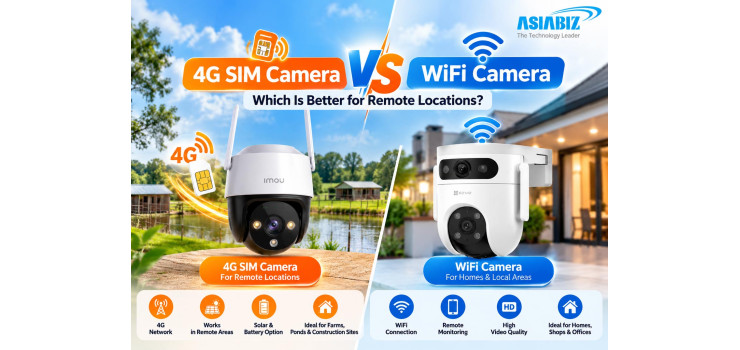
4G SIM Camera vs WiFi Camera: Which Is Better for Remote Locations?
Imagine monitoring a fish farm, cattle shed, or
construction site in rural Bangladesh from your phone. With limited broadband
and unreliable electricity, should you install a 4G SIM camera or a WiFi
camera?
Both offer remote viewing and recording, but
choosing the wrong network may leave your camera offline.
This guide explains 4G SIM Camera vs WiFi Camera
for remote locations in Bangladesh, including connectivity, mobile data
expenses, solar power, recording options, and suitable products.
Quick Answer: 4G SIM Camera or WiFi Camera?
Choose a 4G SIM camera when broadband WiFi is
unavailable but reliable 4G mobile coverage reaches the installation point.
Choose a WiFi camera when a dependable router connection already reaches the
camera and you want to avoid a separate SIM data plan.
If mobile coverage is weak, neither is a guaranteed
solution; test connectivity first.
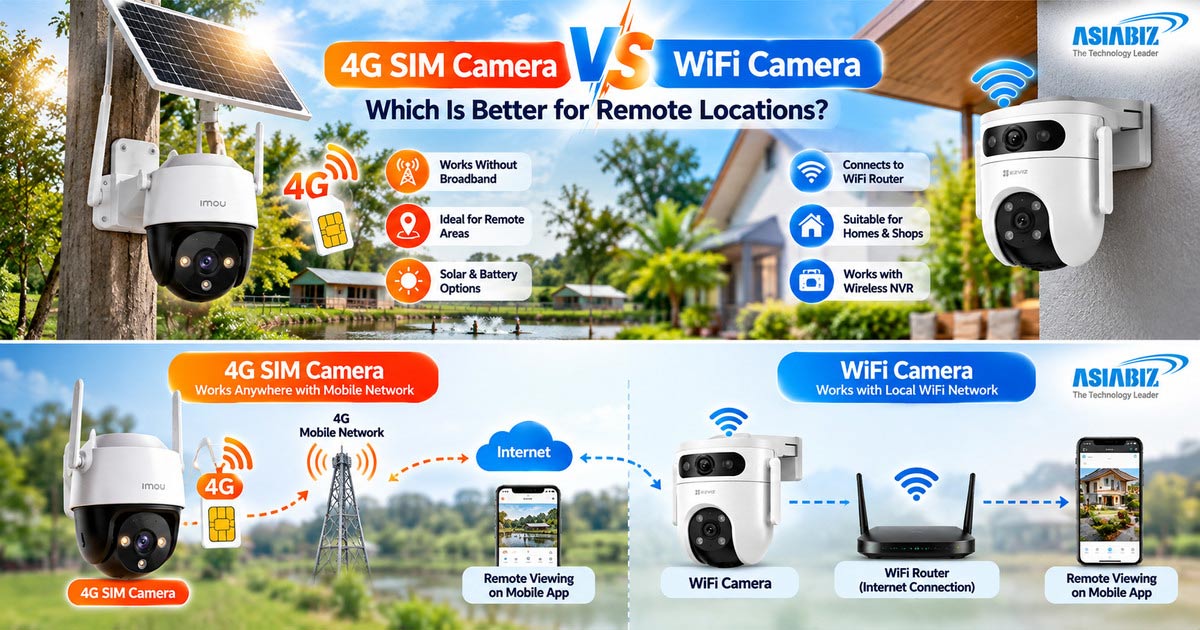
What Is a 4G SIM Security Camera?
A 4G camera connects directly to a mobile network
through a compatible SIM and data plan. With adequate coverage, owners can view
footage and receive supported notifications remotely.
Features may include pan-and-tilt, human detection,
two-way audio, night vision, and microSD storage. Power options vary by model.
Important: A
4G camera is not automatically solar-powered, battery-operated, or capable of
continuous recording. Those are separate specifications to verify.
Main Advantages
Works without fixed broadband where suitable 4G
service exists.
Useful for temporary sites and locations far from
routers.
Selected battery-and-solar models reduce dependence
on mains power.
Mobile viewing and alerts help owners monitor
distant property.
Main Limitations
SIM data costs recur. Weak reception, expired data,
or power failure can interrupt access. LTE bands and operator compatibility
matter.
What Is a WiFi Security Camera?
A WiFi camera connects to a local router, making it
practical for homes, shops, or farm offices with reliable coverage.
Many offer smart alerts, two-way talk, night
vision, and microSD storage. Compatible models can also record to a wireless
NVR without camera-to-recorder LAN cables.
Most still need electricity. Some continue local
recording during internet outages, but remote access may stop
4G SIM Camera vs WiFi Camera: Key Differences
|
Feature
|
4G SIM Camera |
WiFi Camera
|
|
Network |
Cellular 4G via SIM |
Local WiFi
router |
|
Broadband required |
No |
Not for every local function; normally
needed for internet remote access |
|
Best coverage area |
Where 4G reception is reliable |
Within
reliable WiFi range |
|
Recurring cost |
SIM data package |
Existing broadband plan |
|
Power |
Adapter, battery, or solar depending on
model |
Usually adapter; some battery models |
|
Storage |
Often microSD; other options vary |
microSD, cloud, or compatible NVR |
|
Remote monitoring |
Supported app over mobile data |
Supported app over internet |
|
Typical use |
Farms, ponds, remote gates, temporary
sites |
Homes, shops, nearby outdoor areas |
Video quality depends on the image sensor, lens, lighting, resolution, and processing—not whether the camera connects through 4G or WiFi.
Which Connection Works Better in Remote Areas of Bangladesh?
Fish Farms,
Ponds, and Agricultural Land: Far from household routers, fish farms may
benefit from solar 4G cameras where cellular coverage and sunlight are
sufficient. Position cameras toward access paths and equipment.
Cattle Farms
and Poultry Sheds: Where farm WiFi reaches the shed, choose WiFi;
otherwise, consider 4G. Check dust, moisture, placement, and power.
Construction
Sites and Remote Warehouses: Temporary sites can favour relocatable 4G
cameras. Warehouses with internet and several cameras may benefit from centralized
WiFi or wired systems.
Village
Homes and Shops: Rural homes with reliable WiFi may have lower running
costs. Consider 4G for outbuildings beyond router range.
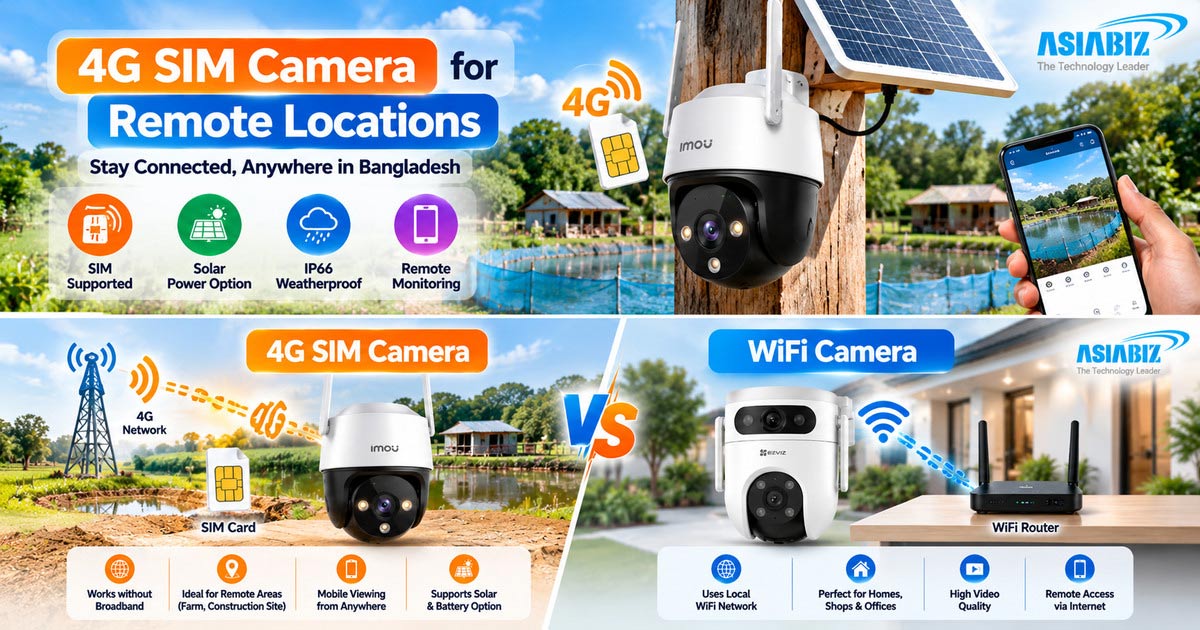
Can You Use a WiFi Camera with a 4G Router?
Yes. A 4G WiFi router accepts a mobile SIM and
creates a wireless network for compatible WiFi cameras. It can help when you
already own WiFi cameras or need several cameras sharing one mobile connection.
However, the router also needs power, adequate 4G signal, and a suitable data
package. Check camera compatibility and whether your router provides the
required WiFi frequency.
This approach does not automatically make a WiFi
camera solar-powered. Where network reliability is critical, compare a
dedicated SIM camera with a 4G-router setup based on total equipment and
maintenance costs.
How Much Mobile Data Does a 4G CCTV Camera Use?
There is no fixed monthly data requirement.
Consumption depends on bitrate, live viewing, cloud uploads, and recording
settings.
For illustration, watching a stream at a steady 1
Mbps transfers approximately 0.45 GB per hour. At 2 Mbps, it is about 0.9 GB
per hour. These are calculations, not measured consumption for a particular
camera.
MicroSD recording may not require continuous
cellular upload; cloud recording and extended remote viewing can use much more.
Monitor actual SIM usage.
Data-saving
tips: Use a lower-quality live-view stream when possible, enable
appropriate motion notifications, limit unnecessary viewing, and select local
recording where supported.
Solar Power, Battery Backup, and Load Shedding
The camera also needs electricity.
Some 4G cameras need a DC adapter. Solar models use
batteries, but performance depends on sunlight, settings, activity, and signal.
Monsoon clouds can reduce charging.
During load shedding, WiFi cameras and routers need
suitable backup power. Verify UPS voltage, current, and capacity.
Recording: MicroSD, Cloud, and Wireless NVR
Recording options differ by model.
4G cameras often record to microSD, while cloud
support varies. Compatible WiFi cameras can also use Imou or EZVIZ wireless NVR
systems for hard-drive recording without camera-to-NVR LAN cables.
Do not assume a SIM camera will connect to every
wireless NVR. Check protocols, manufacturer compatibility, network arrangement,
and whether the camera supports the required recording mode. Battery-powered
models may prioritize event recordings instead of ordinary 24/7 recording.
For more background, read our WiFi vs Wired CCTV Camera guide.
Recommended 4G Camera Options at Asiabiz
Verify availability, regional SIM compatibility,
and specifications before ordering.
Imou Cruiser 4G IPC-S21FTP 2MP
The Imou Cruiser 4G is a SIM-supported outdoor
camera with 2MP video, pan-and-tilt coverage, two-way audio, human detection,
and microSD storage. It requires a suitable power connection, making it more
appropriate where electricity is available but broadband is not.
Imou AOV PT 5MP Solar System 4G & WiFi
The Imou AOV PT 5MP supports both 4G and WiFi, a
10,000mAh battery, solar charging, and microSD storage. This makes it worth
considering for locations needing flexible network connectivity and reduced reliance
on wired power.
Tiandy TC-H363N 9DB-4 6MP Dual Lens Solar 4G
The Tiandy TC-H363N 9DB-4 offers two 3MP views, 4G
connectivity, a 10,400mAh battery, and solar charging. Its dual-lens
arrangement can be useful where wider-area monitoring is important.
With reliable broadband, explore WiFi cameras. Also
see our Solar 4G Camera buying guide.
5 Checks Before Installing a Camera in a Remote Location
Test actual
reception: Check mobile signal and upload performance at the planned mounting
height. Compare available operators rather than assuming one works everywhere.
Verify
compatibility: Confirm SIM type, LTE bands, application, storage, and any
NVR requirements.
Plan power
properly: Inspect electrical access, battery backup, solar-panel exposure,
and rainy-season limitations.
Secure the
installation: Use weather-appropriate mounting, strong passwords, firmware
updates, and physically protected storage where possible.
Calculate
ongoing costs: Compare equipment, SIM data, charging, maintenance, and any optional
cloud fees—not just purchase price.
Frequently Asked Questions
Q: Can a 4G SIM camera work without WiFi?
A: Yes.
A compatible 4G camera uses a SIM card and mobile network instead of a local
WiFi router. It still needs adequate cellular coverage and power.
Q: Does a 4G camera work with any Bangladeshi SIM?
A: Not
necessarily. Check the camera's regional LTE bands, supported operators, SIM
format, data service, and activation requirements before buying.
Q: Can WiFi cameras work at a remote fish farm?
A: Yes,
if a reliable WiFi network reaches the mounting point. A 4G router can also
provide WiFi using mobile data, although this adds another powered device.
Q: Do 4G cameras record without mobile data?
A: Some
models can continue recording locally to microSD while offline, once properly
configured. Remote viewing and notifications generally need connectivity.
Verify the specific model.
Q: Is a solar 4G camera completely maintenance-free?
A: No.
Solar panels need suitable exposure and occasional cleaning; batteries age, and
signal strength, storage, and mounting should be checked periodically.
Q: Which is cheaper: a SIM camera or WiFi camera?
A: Where
broadband already exists, WiFi often has lower ongoing connectivity costs. A 4G
camera may avoid expensive cable or internet installation at an isolated site,
but requires a data plan.
Q: Final Verdict: Which Camera Should You Choose?
A: Choose
4G for isolated sites with good cellular coverage but no broadband. If power is
unreliable, assess solar battery capacity and recording behaviour.
For a village home, shop, or farm building with
stable WiFi, a WiFi camera may be simpler and more economical over time.


Comments
There are no comments for this Article.